
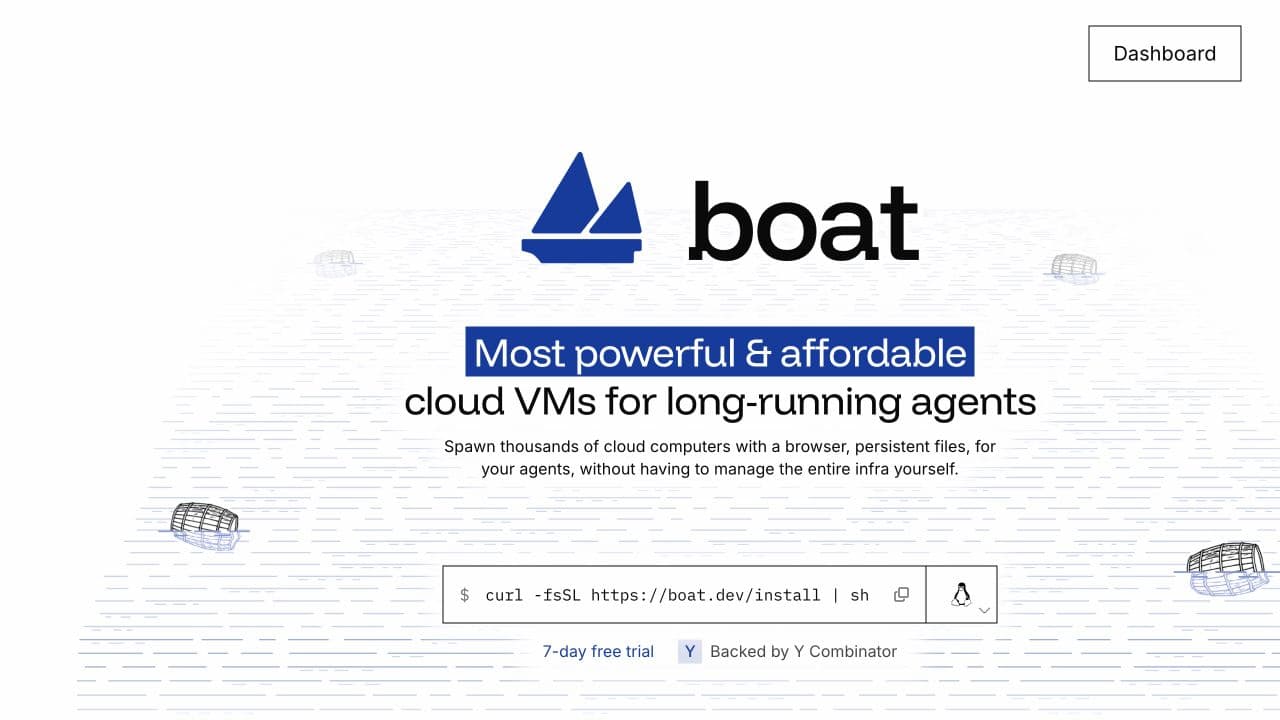
Some agent tasks need the environment to behave like a complete development machine. The agent may install a package, run a database, open a browser and return to the same files later. A narrowly restricted execution function is not always the right fit for that work.
Boat supplies persistent Ubuntu virtual machines intended for long-running agents and programmatic fleets. Its public website describes a desktop and browser, Docker support, snapshots, shell access and controls through a CLI, API and SDKs. The useful starting question is which machine capabilities the task actually requires. [1]
The team and the product boundary
Boat is listed in YC's Fall 2026 batch, with founders Anicet Nougaret and Kirill and a Paris location. The public profile describes agents needing computers in large numbers and for continuing work, rather than assuming each task ends with a disposable environment. [2]
That is an infrastructure proposition. Boat can supply a machine and the tools to manage it, while the application still owns the agent's business behavior, credentials and acceptance criteria. A buyer should separate those responsibilities when evaluating the product. A functioning virtual desktop is not evidence that the agent performed its assigned task correctly.
A full VM with a lifecycle
The current website describes preinstalled development tools, persistent files and snapshot-based stop/resume behavior. It also says manually started processes need to be restarted after resume, while files, packages and enabled services persist. That distinction is useful for an agent expected to continue a task later. [1]
A pilot should therefore test the lifecycle as well as the first boot. Create the environment, let the agent change it, stop it and return to it. The owner should understand which state was saved and which activity must be resumed explicitly. A reliable machine boundary becomes more valuable when the application can recover from an interrupted session predictably.
Coding agents with system-level requirements
Boat documents running coding agents inside its machines, or controlling them from outside through the management interfaces. Docker, development tools and a browser are among the advertised capabilities. That can be relevant to a project with services and dependencies that do not fit a lighter sandbox. [1][2]
For a development team, the useful test is its own build and verification loop. Run a representative project, including the difficult dependency, then inspect resource use and failure recovery. A provider's benchmark can suggest a comparison to make, but the runtime behavior of that project is the evidence needed for a buying decision.
Browser and desktop work
The public site also offers an integrated desktop and browser. A documented scenario is using a cloud computer for an agent that works across visual applications or web interfaces, with the application able to observe and manage the session. The product description is broader than code execution alone. [1]
We would examine resolution, responsiveness, session recovery and how access to the desktop is granted. For a customer-facing product, the owner must also define what the agent may do in the browser and how credentials enter the environment. Those controls belong to the deployment design; a full VM gives the application capabilities that still require deliberate management.
A fleet and its complete cost
Boat advertises a seven-day trial and plans from $20 per month, with an account minimum converted into usage across machines. Its current explanation distinguishes machine sizes and says billing pauses when a sandbox is stopped. The site lists European regions and account concurrency limits. Buyers should verify the current terms for the proposed plan. [1]
Boat also publishes provider price and performance comparisons. To use those comparisons in a buying decision, match the CPU, memory, storage, active time, region and required capabilities. The practical unit is the cost of a completed workload and a retained environment, including whatever the application pays outside the VM.
Where Boat fits on SOTA2
| Product & task | Position | Comparison scope |
|---|---|---|
| boatExecute Code in SandboxesAgent | #6 | 12 companies · 14 candidates 10 ranked products |
What we would look for in a pilot
Choose a task that genuinely needs a full machine, such as a project with containers, a database and browser verification. Run the normal workflow and an interrupted one, then test stop/resume and deletion. Record execution time, resource pressure and the manual work needed to restore the agent's useful state. Compare those results with the team's existing environment on the same task.
For the COO or engineering lead, examine fleet provisioning, snapshot ownership, regional requirements and the control of credentials. Confirm that a newly created customer environment does not inherit access intended for another purpose. Test the observable behavior when an account reaches a resource or concurrency limit.
For the CFO, model the account minimum, active usage, machine sizes and retained state for a representative month. Separate compute from model and application costs. A provider comparison is useful only when it preserves the capabilities the workload needs and the operational work required to keep it running.
The SOTA2 view
Boat is relevant when an agent needs a persistent, capable computer rather than a short-lived execution slot. Its useful proposition combines the VM with the controls around provisioning, access and recovery. We would evaluate the full lifecycle and cost of the actual workload, then use those results to decide whether the additional machine capabilities are worth operating.